Best AI Tools for Freelance Video Editors in 2026

Freelance video editing used to mean long nights buried in timelines, manually syncing audio, hunting for the right stock clip, and re-exporting a project five times because a client wanted "just one more tweak." In 2026, AI has quietly rewritten large parts of that workflow — not by replacing editors, but by removing the repetitive, mechanical parts of the job so editors can spend more time on storytelling.
This guide breaks down the best categories of AI tools freelance video editors are actually using right now, what problem each one solves, and how to build a lean, affordable AI-powered editing stack without drowning in subscriptions.
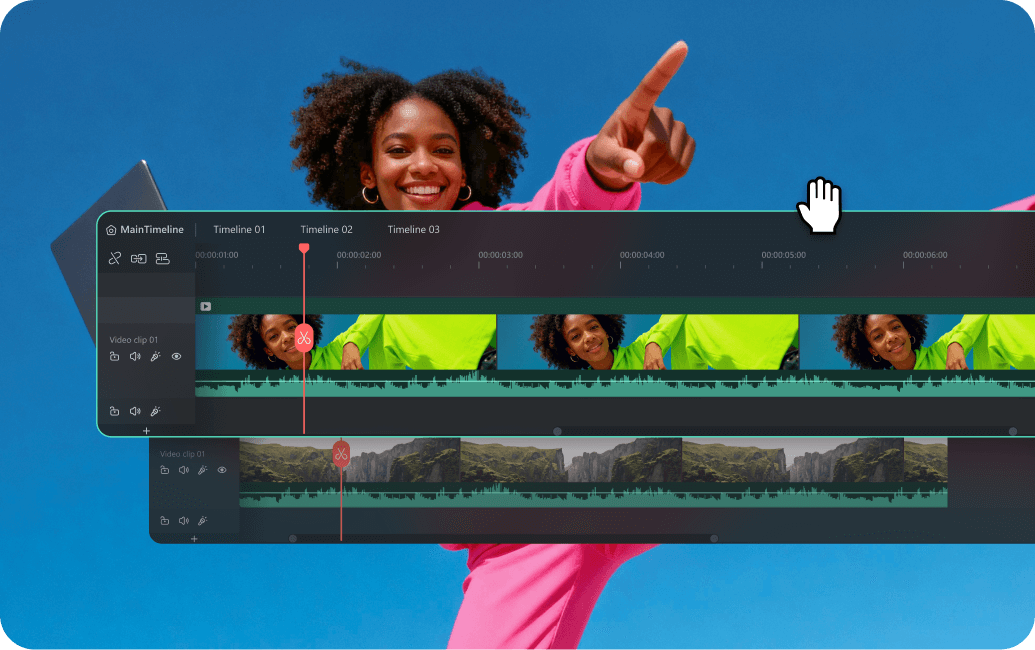
filmora.wondershare
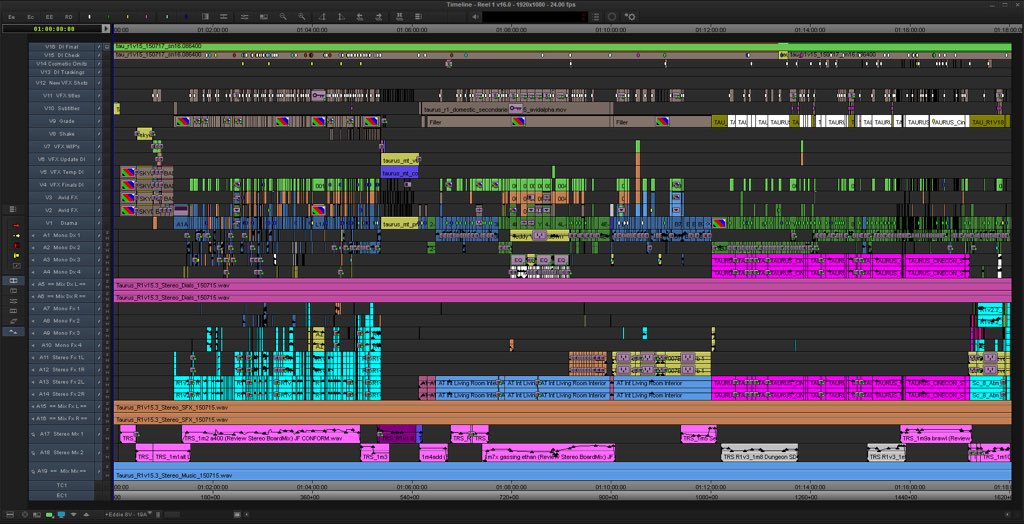
jonnyelwyn.co

Storyblocks Video
Why Freelance Video Editors Need a Specialized AI Stack
Unlike in-house editors working with one brand's assets and one style guide, freelancers juggle wildly different clients, footage quality, deadlines, and budgets — often all in the same week. A generic "AI video tool" rarely fits every project. That's why the smartest freelancers aren't using one giant AI suite; they're assembling a small stack of focused tools, each covering a specific bottleneck in the editing process.
Here's where AI is currently making the biggest difference.
1. AI Transcription and Auto-Captioning
Transcribing raw footage used to eat hours of every project, especially for interview-heavy or documentary-style work. AI transcription tools now generate searchable, timestamped transcripts in minutes, which editors use to:
- Jump directly to specific quotes or moments instead of scrubbing the timeline
- Build rough cuts by editing the transcript itself, which automatically trims the corresponding footage
- Generate accurate, styled captions for social media cuts without manual timing
For freelancers who deliver short-form content (Reels, TikToks, YouTube Shorts), auto-captioning alone can cut delivery time on a single clip from 30 minutes to under 5.
Who it's for: Editors handling interviews, podcasts-to-video conversions, or any client that wants burned-in captions on every deliverable.
2. AI-Assisted Rough Cuts
This is arguably the biggest shift in freelance editing workflows. Instead of watching every second of raw footage, editors can feed hours of clips into an AI rough-cut tool that:
- Identifies the strongest takes based on clarity, energy, or specific keywords
- Removes dead air, filler words, and long pauses automatically
- Assembles a first-pass sequence in the right order based on a transcript or outline
Editors then step in to refine pacing, add creative transitions, and shape the story — but the tedious "sit through 3 hours of footage" phase shrinks dramatically. This is one of the clearest examples of tool-augmented workflows: the AI doesn't make creative decisions, it just removes the grunt work before the human does.
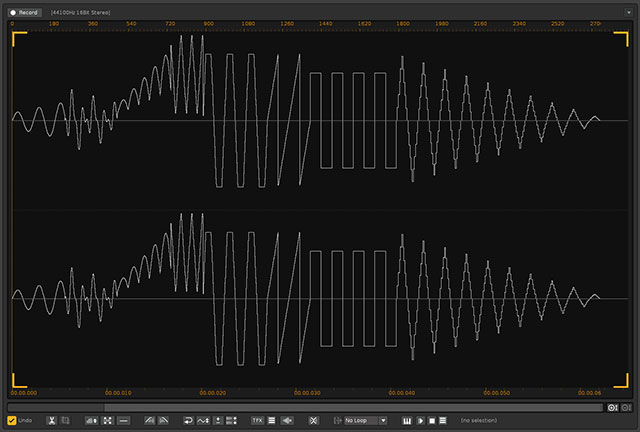
animalia-life
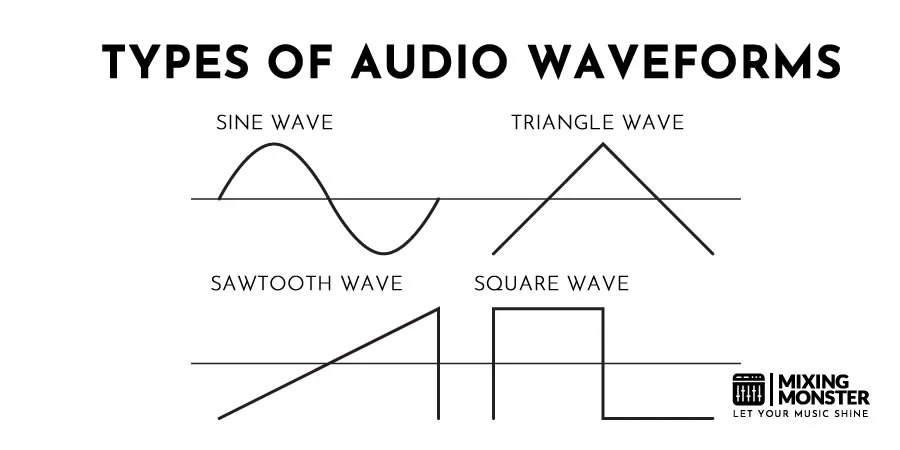
mixingmonster

ar.inspiredpencil
3. AI Audio Cleanup and Noise Reduction
Bad audio is one of the fastest ways to lose a client's trust, and freelancers rarely control the recording environment. AI-based audio tools now handle:
- Background noise removal (HVAC hum, street noise, room echo)
- Automatic leveling so dialogue doesn't jump between clips
- Voice isolation, separating speech from music or ambient sound
What used to require a dedicated audio pass in a DAW can now be handled in a single AI-processed export, which is especially valuable for editors who aren't audio specialists but still need broadcast-quality sound.
4. AI Color Matching and Grading
Multi-camera shoots, mixed lighting conditions, and footage shot on different devices all create color inconsistency. AI color tools can:
- Automatically match shots from different cameras to a consistent look
- Suggest a grading style based on reference footage or mood boards
- Apply corrections in batches instead of shot-by-shot
This is particularly useful for wedding videographers and event editors working with footage from multiple cameras and operators — a classic pain point in that niche.
5. AI Video Upscaling and Restoration
Clients occasionally hand over old, low-resolution, or shaky footage and expect modern-quality output. AI upscaling tools can:
- Increase resolution while preserving detail (useful for archival or throwback content)
- Stabilize shaky handheld footage without the heavy cropping older stabilization methods required
- Reduce compression artifacts from footage that's been re-exported multiple times
This category has become a quiet specialty niche of its own — some freelancers now market "footage restoration" as a standalone paid add-on service, powered almost entirely by AI tools.
6. AI B-Roll and Stock Footage Matching
Instead of manually searching stock libraries for the right supplemental clip, AI-powered search tools let editors describe a scene in plain language ("slow-motion coffee pour, warm lighting") and surface matching footage instantly. Some tools go further, analyzing the existing edit and automatically suggesting where B-roll would strengthen pacing.
For freelancers on tight turnarounds, this alone can save an hour or more per project — particularly on branded content and explainer videos that rely heavily on cutaways.
7. AI Motion Graphics and Template Generation
Not every freelancer is a motion designer, but nearly every client wants some level of animated text, lower thirds, or transitions. AI motion graphics tools now:
- Generate on-brand animated titles from a logo and color palette
- Auto-resize graphics packages across formats (16:9, 9:16, 1:1) for multi-platform delivery
- Suggest transition styles based on the pacing and genre of the edit
This closes a real skills gap: an editor with strong storytelling instincts but limited animation experience can still deliver polished, branded motion graphics.

blog.voolt

phemany
vibe.eaves-laerm
8. AI-Powered Client Review and Feedback Tools
One of the most underrated AI applications for freelancers isn't in the edit itself — it's in the review process. AI-assisted feedback tools let clients leave timestamped comments directly on the video, which the AI then organizes into a clear, prioritized revision list. Some tools even convert vague client notes ("make it pop more here") into specific, actionable suggestions based on context.
This solves a classic freelance headache: scattered feedback across email, text messages, and voice notes that's easy to miss or misinterpret.
9. AI Thumbnail and Cover Frame Generation
For YouTube-focused freelancers, the thumbnail can matter as much as the edit itself. AI thumbnail tools can:
- Pull the most visually striking frame from the footage automatically
- Generate multiple thumbnail variations with different text overlays for A/B testing
- Match thumbnail style to a channel's existing branding
This has become a standard add-on service many freelance editors now bundle into their YouTube editing packages.
10. AI Project Organization and File Naming
Less glamorous, but genuinely time-saving: AI tools that automatically tag, categorize, and rename raw footage based on content (detecting faces, scenes, or spoken keywords). For editors juggling multiple client projects at once, this turns a chaotic folder of "IMG_4821.mp4" files into a searchable, organized library — cutting down the time spent just finding the right clip.
Building a Lean AI Stack: What to Actually Pay For
With dozens of tools available in each category above, the real skill isn't collecting every AI tool — it's avoiding AI tool sprawl. A few principles freelance editors are using to keep their stack manageable:
Start with your biggest time-drain. If transcription eats the most hours, solve that first. Don't buy five tools before you've maximized the value of one.
Prioritize tools that plug into your existing editor. A color-grading AI that exports directly into Premiere or DaVinci Resolve is worth more than a standalone tool that adds an extra export/import step.
Watch for subscription creep. Many of these tools are priced per-minute-processed or per-seat. It's easy to end up paying for five $20/month tools that together cost more than a single all-in-one suite — defeating the purpose of going niche in the first place.
Test on a real client project, not a demo. AI tools often look impressive in a five-minute demo reel but behave differently with genuinely messy, real-world footage. Run a free trial on an actual project before committing.
The Bigger Picture
The freelance video editors thriving in 2026 aren't the ones who resisted AI, and they're not the ones who let AI do all the creative work either. They're the ones who identified exactly which parts of their workflow were mechanical and repetitive — transcription, rough assembly, noise cleanup, file organization — and handed those specific tasks to AI, while keeping full creative control over pacing, story, and tone.
That's really the throughline across every tool on this list: none of them replace editorial judgment. They remove the friction around it, so freelancers can take on more projects, hit tighter deadlines, and spend their actual editing time on the part clients are paying for — the craft.